Nx vs Turborepo: Which Monorepo Tool for Your Startup?
A practical comparison of Nx and Turborepo for startup founders managing monorepos, with recommendations based on team size and project complexity.
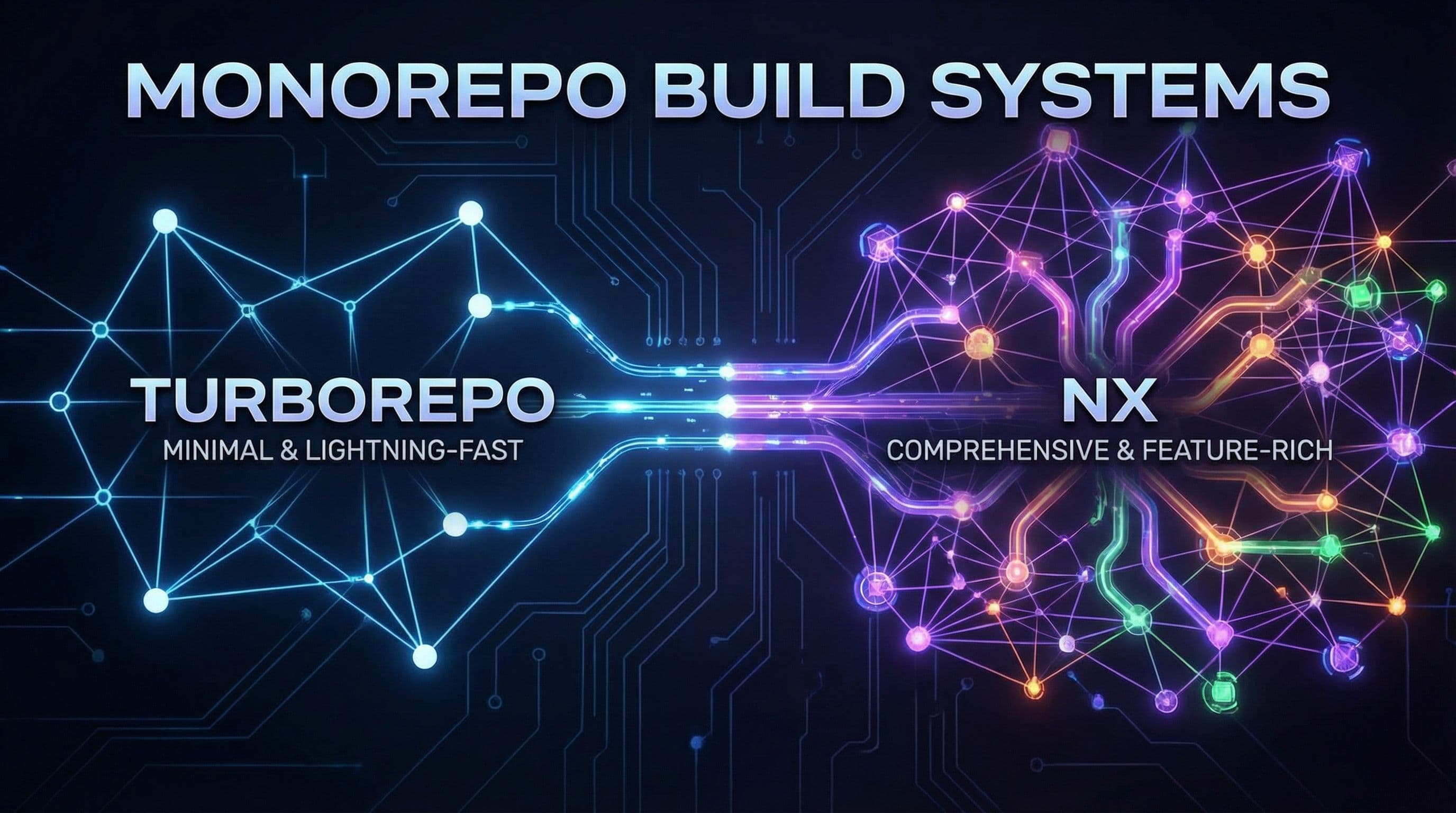
Choosing a monorepo tool is one of those decisions that seems trivial until you're six months in and your build times are destroying developer productivity. Turborepo and Nx are the two dominant solutions, but they're fundamentally different tools built for different problems.
If you've already decided a monorepo is right for your startup, the next question is which tool to use. This comparison will help you make that call based on your team size, technical complexity, and growth trajectory.
What Each Tool Actually Is
Turborepo is a task runner. It executes your build, test, and lint commands in the optimal order with intelligent caching. That's it.
Nx started as a task runner but evolved into a complete build intelligence platform. It includes code generation, dependency graph visualization, framework-specific plugins, and AI-powered optimization recommendations.
Turborepo's core focus:
- Task orchestration: Runs your scripts in parallel with smart dependency ordering
- Caching layer: Stores build outputs locally and remotely to skip redundant work
- Minimal abstraction: Works with whatever build tools you already use
Nx's comprehensive approach:
- Full monorepo toolkit: Task running, code generation, project scaffolding, and workspace analysis
- Framework integration: First-class support for Next.js, React, Angular, Node.js, and more
- Build intelligence: Analyzes your workspace to suggest optimizations and predict build times
- Polyglot support: Works with JavaScript, TypeScript, Java, .NET, Go, and other ecosystems
The difference in scope explains why choosing between them depends more on your team's needs than raw performance numbers.
Setup Complexity and Time to Value
Turborepo wins on initial setup. Add it to your package.json, create a turbo.json config file, and you're running cached builds in 15 minutes.
The configuration is straightforward. You define tasks, their dependencies, and what files they care about:
Nx requires more upfront configuration but provides more structure. You'll spend 30-60 minutes on initial setup, but you get project generators, dependency enforcement, and workspace visualization from day one.
For teams under 5 developers: Turborepo's minimal setup is usually the right call. You want to move fast and don't need sophisticated tooling yet.
For teams over 10 developers: Invest the extra hour in Nx setup. The structure it enforces prevents the architectural chaos that kills velocity in growing monorepos.
Performance: Small Projects vs Large Monorepos
On small projects (2-5 packages), Turborepo is roughly 3x faster. In benchmarks with a basic Next.js monorepo, Turborepo completed builds in 2.8 seconds versus Nx's 8.3 seconds.
This gap exists because Nx does more work upfront—analyzing the dependency graph, checking plugin configurations, and running workspace integrity checks. For small projects, that overhead isn't worth it.
On large monorepos (50+ packages), Nx pulls ahead dramatically. Teams report 7x better performance in complex workspaces with hundreds of projects and intricate dependency relationships.
Nx's performance advantages at scale:
- Affected command intelligence: Only tests and builds what actually changed, following the entire dependency graph
- Distributed task execution: Automatically parallelizes work across multiple machines in CI
- Computation caching: More aggressive caching strategies that understand framework semantics
Turborepo's performance characteristics:
- Rust-powered speed: The core task runner is written in Rust for minimal overhead
- Simple caching model: Fast cache lookups with fewer layers of abstraction
- Predictable performance: Consistent behavior regardless of workspace size
If you're building a typical startup with a Next.js frontend, a few backend services, and a shared component library, Turborepo's speed advantage matters. If you're managing dozens of microservices with complex interdependencies, Nx's intelligent scheduling is worth the overhead.
Remote Caching and CI Integration
Both tools offer remote caching, but with different pricing models.
Turborepo's remote cache on Vercel is free and unlimited. Connect your repository, authenticate your developers, and every build output is shared across the team. No setup complexity, no billing surprises.
Nx Cloud has a free tier (500 hours monthly) then charges $19 per contributor per month. You get more than just caching—distributed task execution, self-healing CI, and AI-powered optimization insights.
For bootstrapped startups: Turborepo's free remote cache is compelling. You get 90% of the value with zero monthly costs.
For funded teams optimizing CI: Nx Cloud's paid features (especially distributed execution) can cut CI times by 60-80%. If your CI bills are high and builds are slow, the ROI is clear.
Both integrate cleanly with GitHub Actions, GitLab CI, CircleCI, and other providers. Turborepo requires slightly less configuration, but the difference is marginal.
Developer Experience and Tooling
Turborepo is invisible when it works. You run turbo build instead of npm run build and get faster results. No IDE integration, no special commands to learn, no generated code to maintain.
Nx provides a richer development environment:
Built-in tooling:
- Dependency graph visualization: See your entire workspace structure with
nx graph - Code generators: Scaffold new projects, components, and libraries with consistent patterns
- Workspace analysis: Get reports on circular dependencies, unused code, and technical debt
- VSCode extension: Inline project navigation, task running, and graph visualization
Plugin ecosystem:
- Framework-specific plugins: Next.js, React, Node.js, Angular, and more with optimized configurations
- Testing integrations: Jest, Playwright, Cypress with workspace-aware defaults
- Deployment helpers: Automated Vercel, Netlify, and AWS configurations
If your team values moving fast with minimal tooling, Turborepo stays out of your way. If you want opinionated structure and generated boilerplate, Nx accelerates development through better defaults.
Language and Framework Support
Turborepo is JavaScript/TypeScript only. If your monorepo contains only Node.js backends, Next.js frontends, and React Native apps, this constraint is irrelevant.
Nx supports polyglot monorepos—JavaScript, Java, .NET, Go, Python, and more. You can manage a Next.js frontend, a Spring Boot backend, and a .NET microservice in the same workspace with unified task orchestration.
When polyglot support matters:
- Backend services in multiple languages: Common for startups that acquire other companies or inherit legacy systems
- Mobile apps using native builds: React Native with Kotlin/Swift modules, or Flutter with platform-specific code
- Infrastructure as code: Managing Terraform, Pulumi, or CloudFormation alongside application code
When it doesn't:
- Pure JavaScript stack: Next.js frontend + Node.js backend means Turborepo handles everything
- Framework consistency: If you've standardized on Next.js development across all projects, language support is irrelevant
Most early-stage startups run entirely on JavaScript/TypeScript. The polyglot question becomes relevant at Series B+ when architectural diversity increases.
Scaling from MVP to Enterprise
Turborepo scales vertically well. Teams with 100+ developers and 50+ packages use it successfully by keeping their architecture simple and dependency graphs shallow.
Nx scales both vertically and horizontally. The tooling grows with you—basic task running for MVPs, code generation for rapid feature development, distributed execution for large teams.
Turborepo's scaling model:
- Add packages freely: The task runner handles any number of projects efficiently
- Optimize incrementally: Cache configuration and pipeline tuning improve performance over time
- Stay simple: Architectural discipline matters more than sophisticated tooling
Nx's scaling model:
- Enforce boundaries: Built-in linting rules prevent circular dependencies and enforce module architecture
- Automate patterns: Code generators ensure consistency as the team grows
- Optimize continuously: AI suggestions and workspace analytics identify bottlenecks proactively
If you're building an MVP and unsure about future scale, start with Turborepo. The migration to Nx is straightforward if you hit its limitations. Going the other direction (Nx to Turborepo) is harder because you'll have to replace generated code and custom plugins.
Cost Considerations
Turborepo is free. The core tool is open source, and Vercel's remote cache doesn't cost anything regardless of team size or usage volume.
Nx is free for basic use. Once you exceed the Cloud free tier (500 compute hours monthly), you pay $19 per contributor per month. For a 10-person team, that's $2,280 annually.
Hidden costs with Turborepo:
- Manual optimizations: You'll spend more developer time tuning cache configurations and pipeline dependencies
- CI complexity: Without distributed execution, CI times grow linearly with codebase size
- Architectural drift: Less tooling means more discipline required to maintain clean architecture
Hidden costs with Nx:
- Learning curve: New team members need time to understand the plugin system and workspace conventions
- Lock-in risk: Heavy use of Nx-specific generators and plugins makes migration harder
- Maintenance burden: Nx updates sometimes require workspace migration scripts
For bootstrapped startups watching every dollar, Turborepo's zero-cost model is attractive. For funded teams optimizing for velocity, Nx's paid features often pay for themselves through faster iterations.
Making the Decision
Choose Turborepo if:
- You have 1-10 developers managing a JavaScript/TypeScript monorepo
- Your architecture is simple (frontend + backend + shared libraries)
- You want minimal configuration and maintenance overhead
- Cost optimization is a primary concern
- You're using Vercel for deployment and want tight integration
Choose Nx if:
- You have 10+ developers or expect rapid team growth
- Your monorepo spans multiple languages or frameworks
- You need code generation and workspace analysis tools
- CI optimization is worth paying for
- You want enforced architectural boundaries and dependency rules
The hybrid approach:
Start with Turborepo for your MVP development. When you hit 10-15 packages or 8-10 developers, evaluate whether Nx's structure would help. The migration is well-documented and usually takes a week.
Most startups underestimate how quickly their monorepo grows. If you're planning aggressive hiring or know you'll ship multiple products, the upfront investment in Nx prevents painful refactoring later.
Common Mistakes to Avoid
With Turborepo:
- Ignoring cache hygiene: Poorly defined
outputscause cache misses that destroy performance - Flat dependency graphs: If every package depends on every other package, parallel execution gains disappear
- Skipping remote cache setup: Local-only caching means CI runs every build from scratch
With Nx:
- Over-generating code: Not every component needs a generator—sometimes a simple file is fine
- Ignoring the affected commands: Running full builds instead of
nx affected:buildwastes compute - Plugin overload: Installing every available plugin creates configuration complexity without clear value
Both tools work best when you understand their caching models deeply. Spend time with the documentation and measure your actual build times rather than assuming defaults are optimal.
Integration with Your Stack
If you're choosing between BaaS and custom backend solutions, your monorepo tool choice affects the decision.
Turborepo pairs well with:
- Vercel deployments: Native integration with automatic cache invalidation
- Simple BaaS setups: Supabase or Firebase backends need minimal build orchestration
- Framework-agnostic stacks: You're using vanilla tools without heavy framework coupling
Nx pairs well with:
- Custom backend architectures: Multiple Node.js services, API gateways, background workers
- Framework-heavy stacks: Next.js frontend with NestJS backend and Prisma ORM
- Microservices patterns: Each service is an Nx project with enforced boundaries
Neither tool locks you into specific architectural decisions, but Nx's structure naturally guides you toward more modular designs.
The Bottom Line
For most early-stage startups, Turborepo is the right choice. It's fast, free, and gets out of your way. The setup is trivial, and you can be productive in minutes.
As your team grows past 10 developers or your architecture becomes more complex, Nx's structured approach pays dividends. The tooling helps maintain velocity as complexity increases.
The worst decision is avoiding monorepos entirely out of tooling confusion. Both Turborepo and Nx are production-ready, well-maintained, and used by thousands of companies. Pick one based on your current team size and move forward.
Need Help Choosing?
We've implemented monorepos with both Turborepo and Nx for dozens of startups. If you're building a Next.js application and want expert guidance on structuring your monorepo, our Next.js development services include architecture consulting and tooling setup.
The right monorepo strategy accelerates development and reduces deployment complexity. Start with the tool that matches your current needs, and evolve your setup as you scale.


